
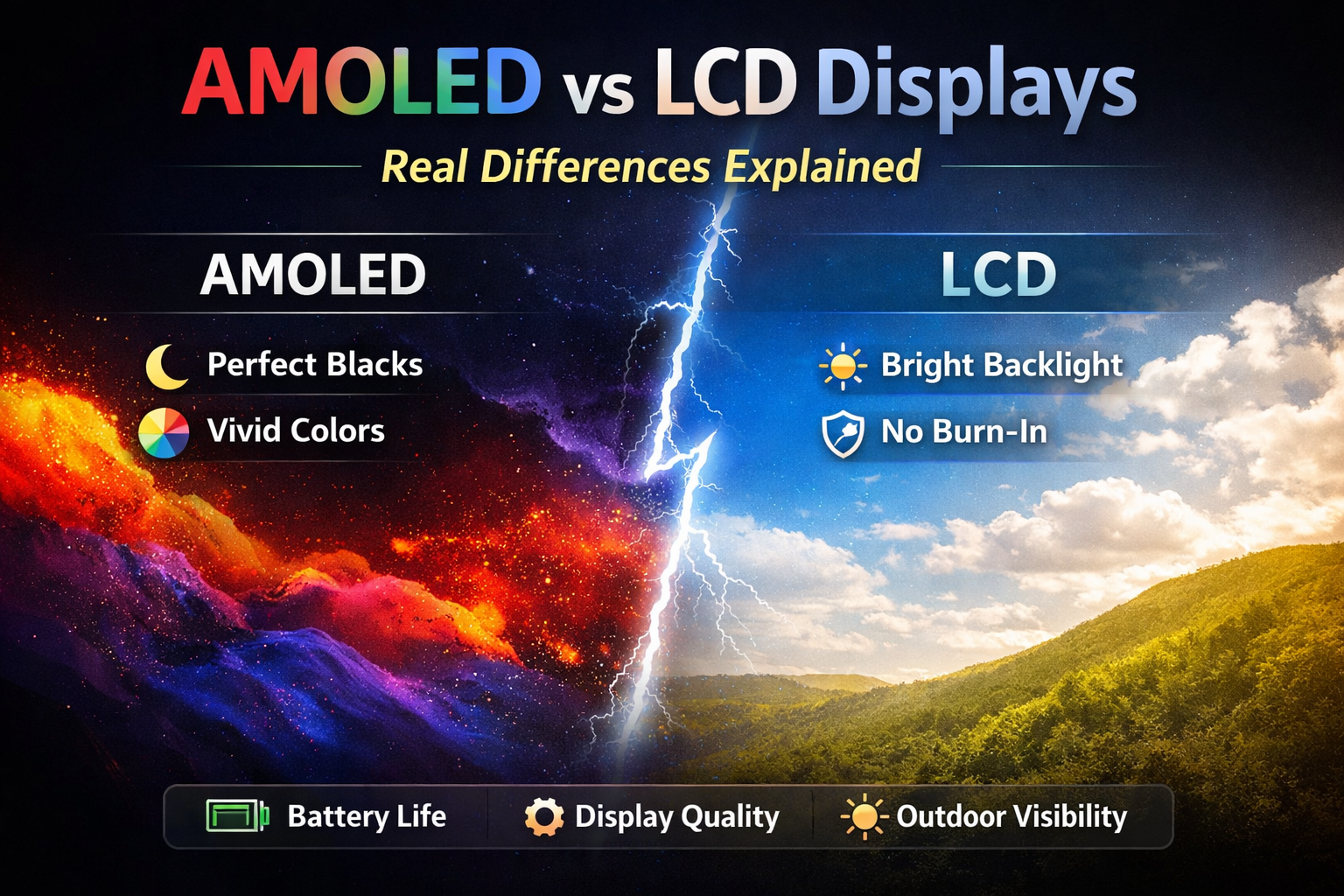
AMOLED vs LCD displays is one of the most searched technology comparisons today, especially for smartphones, laptops, TVs, and smart devices. If you are confused about which display technology is better and why it matters, this guide is written exactly for you.
In simple terms, AMOLED and LCD are two different ways screens produce images and light. While both serve the same purpose—displaying content—their internal technology, performance, power usage, and visual quality vary significantly. This article explains everything in beginner-friendly language, without technical overload, so you can confidently understand the real differences and make informed decisions.
Meaning / Explanation
To understand the difference between AMOLED and LCD displays, it helps to first understand what these terms actually mean.
LCD stands for Liquid Crystal Display. It is an older and widely used display technology found in TVs, monitors, laptops, budget smartphones, and industrial screens. LCD screens do not emit light on their own. Instead, they rely on a backlight—usually LED lights—placed behind the screen. Liquid crystals control how much light passes through to form images.
AMOLED stands for Active Matrix Organic Light Emitting Diode. Unlike LCDs, AMOLED displays are self-emissive. This means each pixel produces its own light. When a pixel needs to display black, it simply turns off completely, resulting in true black colors and better contrast.
In simpler words:
- LCD uses a backlight to illuminate pixels
- AMOLED lights up each pixel individually
This fundamental difference affects brightness, color accuracy, battery life, thickness, durability, and cost.
Why It Matters
Choosing between AMOLED and LCD displays matters more than most people realize. Your display directly impacts your daily experience—how comfortable your eyes feel, how long your battery lasts, and how enjoyable videos and images appear.
For smartphone users, the display is the most used component. You look at it while texting, watching videos, browsing social media, gaming, and reading. A poor display can cause eye strain, dull visuals, and faster battery drain.
For professionals such as designers, video editors, photographers, and developers, display quality affects color accuracy and productivity. For gamers, refresh rate and response time matter. For general users, readability in sunlight and battery efficiency are key.
Understanding the real differences helps you:
- Avoid paying extra for features you don’t need
- Choose the right device for your usage
- Understand marketing claims by manufacturers
- Make long-term, value-based purchase decisions
How It Works / Example
Let’s break down how each display technology works using simple real-world examples.
How LCD Displays Work
An LCD screen works like a window with adjustable blinds. Behind the screen is a constant white light source called a backlight. Liquid crystals act as shutters, controlling how much light passes through red, green, and blue color filters.
Even when the screen shows black, the backlight remains on. The crystals try to block the light, but some light still leaks through. This is why blacks on LCD screens often appear grayish and why contrast is lower compared to AMOLED.
How AMOLED Displays Work
AMOLED displays work more like a city at night. Each house (pixel) has its own light. When a house needs to be dark, the lights turn off completely.
This allows AMOLED displays to produce perfect blacks, extremely high contrast ratios, and vibrant colors. Since only active pixels consume power, darker content saves battery and helps support features like always-on displays efficiently.
Simple Example
If you watch a movie with dark scenes:
- On an LCD screen, the entire screen stays lit, and dark areas may look more like dark gray than pure black
- On an AMOLED screen, black areas consume almost no power and look truly black
This difference becomes noticeable in both visual quality and battery usage, especially during long video sessions or gaming at night.
Key Technical Differences
Beyond basic definitions, there are several technical aspects that separate AMOLED and LCD in real-world use.
- Contrast and blacks: AMOLED offers true black and effectively infinite contrast, while LCD typically shows grayish blacks due to its always-on backlight.
- Viewing angles: AMOLED maintains color and brightness better at extreme angles, whereas some LCD types, especially non-IPS panels, can look washed out when viewed from the side.
- Panel thickness: AMOLED panels can be thinner because they do not require a separate backlight layer, which helps manufacturers create slimmer phones and curved screens.
- Refresh and response time: AMOLED pixels switch on and off faster, which reduces motion blur and ghosting compared to many traditional LCDs.
Modern IPS and Mini-LED LCDs have improved a lot, closing the gap in color accuracy and contrast, but the pixel-level light control of AMOLED still gives it an edge in deep blacks and HDR content.
Benefits
Benefits of AMOLED Displays
- True blacks and infinite contrast ratio for punchy, high-impact visuals.
- Better battery efficiency for dark mode and dark-themed apps, since off pixels use almost no power.
- Vivid and punchy colors that look especially attractive for movies, games, and social media content.
- Thinner and lighter screens that allow curved edges, punch-hole cameras, and in-display fingerprint sensors.
- Faster response times that help reduce motion blur in fast-paced gaming or sports content.
- Excellent viewing angles with minimal color or brightness shift.
AMOLED screens are ideal for media consumption, premium smartphones, and users who prefer rich, high-contrast visuals over strictly neutral color reproduction.
Benefits of LCD Displays
- Lower manufacturing cost, which usually translates into cheaper devices or better specs in other areas for the same price.
- No risk of permanent burn-in, making LCD safer for static content such as toolbars, dashboards, and always-on UI elements.
- More natural color reproduction in many IPS LCDs, which is preferred for photo editing and color-sensitive work.
- Higher sustained brightness in many models, which improves readability in strong outdoor sunlight.
- Stable performance and slower degradation over time, especially when devices are used at high brightness for long hours.
LCD displays are practical, reliable, and cost-effective, especially for productivity, reading, and work-heavy use where absolute contrast is less critical than comfort and consistency.
Risks / Limitations
Limitations of AMOLED Displays
- Risk of screen burn-in or image retention over time when static elements, like navigation bars or logos, remain on screen for long periods.
- Color oversaturation in some models, leading to unrealistic skin tones or overly vivid colors if not calibrated.
- Higher replacement and manufacturing costs, which makes out-of-warranty repairs significantly more expensive.
- Gradual degradation of organic materials, especially blue sub-pixels, which can cause subtle color shifts after years of heavy use.
Modern devices reduce burn-in risk using tricks like pixel shifting, automatic brightness control, and pixel refresh, but the risk can never be fully eliminated because of how organic LEDs age.
Limitations of LCD Displays
- Poorer black levels and lower contrast compared to AMOLED, especially in dark rooms or when watching high dynamic range (HDR) content.
- Backlight bleeding, where light leaks from the edges or corners, becoming visible when the screen shows dark content.
- Potentially lower perceived depth and “pop” in images, making visuals look flatter next to an equivalent AMOLED panel.
- Higher power consumption for dark content, because the backlight stays on even when most of the screen is black.
LCD screens struggle to match AMOLED’s visual depth in low-light environments but continue to be favored where cost, longevity, and static-content safety matter more.
Eye Comfort and Health
Eye comfort is one of the most overlooked factors when comparing AMOLED and LCD, especially for people who read a lot or work for long hours on screens.
- Many OLED/AMOLED phones use PWM (Pulse Width Modulation) dimming at low brightness, which rapidly flickers the screen and can cause eye strain or headaches in sensitive users.
- IPS LCDs usually rely on a constant backlight with DC dimming, resulting in more stable light output and less flicker at most brightness levels.
- In dark rooms, AMOLED’s perfect blacks can actually reduce glare and retinal stress because the screen emits less stray light in black areas.
- In bright environments, the higher sustained brightness of many LCDs can reduce squinting and improve comfort.
For long reading or office-style work, a good IPS LCD or an AMOLED device with high-frequency PWM or DC dimming, combined with proper brightness and ambient lighting, can significantly improve comfort.
Battery Life Reality
Battery life differences between AMOLED and LCD are often misunderstood and heavily depend on what you do on your device.
- With dark mode or mostly dark content, AMOLED can save noticeable power because black pixels are off or draw minimal power.
- With bright white backgrounds (documents, web browsing, reading apps), AMOLED can sometimes use more power than a comparable LCD, since many pixels must be driven at high brightness.
- LCD power draw is more constant because the backlight is always on and adjusted mostly by global brightness, not by how many pixels are lit.
For users who love dark themes and watch a lot of movies or play games with darker scenes, AMOLED can give better endurance, whereas heavy web and document readers may see less difference in battery life between the two technologies.
Use Cases: Which Suits You?
Different display technologies shine in different real-world use cases, so it helps to match them to your lifestyle and priorities.
According to Samsung Display , AMOLED technology allows each pixel to emit its own light, enabling true blacks and high contrast. For a simple explanation of LCD working principles, HowStuffWorks provides an easy-to-understand overview.
- Entertainment and media: AMOLED is excellent for movies, OTT content, and gaming because of deep blacks, rich contrast, and visually striking colors.
- Work, study, and reading: IPS LCD or well-tuned AMOLED with DC dimming can be better for long text-heavy sessions, due to stable brightness and lower flicker.
- Outdoor usage: Bright IPS or Mini-LED LCD panels often provide better sunlight readability, though newer high-brightness AMOLED panels are catching up.
- Static dashboards or always-on data: LCD is safer where the same elements stay on screen for hours, like kiosks, POS terminals, and monitors.
- Design and content creation: Color-accurate IPS LCDs are still common in professional monitors, but calibrated AMOLED displays are becoming more popular in high-end laptops and tablets.
Common Mistakes / Myths
Myth 1: AMOLED Is Always Better
Not true. For reading, office work, and long hours, many users prefer LCD or flicker-free IPS panels due to stable brightness, more neutral colors, and the absence of burn-in risk.
Myth 2: AMOLED Consumes Less Power Always
AMOLED saves power mainly with dark themes, black wallpapers, and darker UI designs, while bright white screens like documents and websites can actually drain more power than an LCD backlight.
Myth 3: LCD Is Outdated Technology
Modern LCDs with IPS, Mini-LED, and advanced local dimming are still widely used in premium devices, including high-end laptops and professional monitors, because of their brightness, stability, and color accuracy.
Myth 4: AMOLED Causes Eye Damage
Eye strain depends more on brightness, PWM flicker, viewing distance, and usage habits than on display type alone, and both AMOLED and LCD can be comfortable when configured correctly.
FAQ Section
1. Which display is better for smartphones?
AMOLED is generally better for smartphones due to contrast, visual appeal, and support for always-on features, but a good IPS LCD phone can still offer excellent readability and comfort at a lower price.
2. Is LCD better for long-term use?
Yes, LCD has no burn-in risk, which makes it well suited for long static usage such as status bars, taskbars, and productivity apps that show the same layout for hours.
3. Does AMOLED drain battery faster?
AMOLED only tends to drain battery faster with bright content and white-heavy apps, while dark mode and dark wallpapers significantly improve AMOLED battery life compared to similar LCD setups.
4. Is AMOLED more expensive?
Yes, AMOLED panels are generally costlier to manufacture and replace, which increases the overall cost of devices and repairs compared to equivalent LCD panels.
5. Which is better for gaming?
AMOLED offers deep blacks and fast response times that enhance visual immersion, but high-refresh IPS LCDs also perform very well and often cost less for competitive gaming setups.
6. Can AMOLED screens last long?
Yes, with proper usage, moderate brightness, and built-in protections like pixel shifting and pixel refresh, modern AMOLED screens can last many years without noticeable issues for most users.
7. Are AMOLED colors accurate?
They can be very accurate when manufacturers provide calibrated display modes, but many phones ship with vivid profiles that intentionally boost saturation for a more dramatic look.
8. Which is better for outdoor visibility?
High-brightness LCDs can outperform many AMOLED panels in direct sunlight, although flagship-level AMOLED screens with boosted peak brightness are now very competitive outdoors.
9. Which display type is better for eyes?
For sensitive users, a flicker-free IPS LCD or an AMOLED device with high-frequency PWM or DC dimming is usually more comfortable than low-frequency PWM OLED at dim brightness.
10. Do all OLED/AMOLED screens use PWM?
Most smartphones with OLED use PWM at lower brightness levels, but some newer models offer DC dimming or very high PWM frequencies to reduce visible flicker and eye fatigue.
Conclusion
The AMOLED vs LCD debate has no single winner—it depends entirely on your usage, preferences, and budget. AMOLED displays excel in contrast, visual appeal, and modern design, while LCD displays offer durability, affordability, and consistency.
If you love watching videos, gaming, and using dark mode, AMOLED is a great choice. If you prefer long work sessions, stable colors, and worry-free longevity, LCD still holds strong value and remains a smart, practical option.
Understanding these real differences allows you to look beyond marketing terms and choose a display that truly fits your needs, whether you are buying a new smartphone, laptop, TV, or monitor.
Disclaimer: This article is for educational purposes only and does not constitute financial advice. Always consult a qualified financial advisor before investing.