
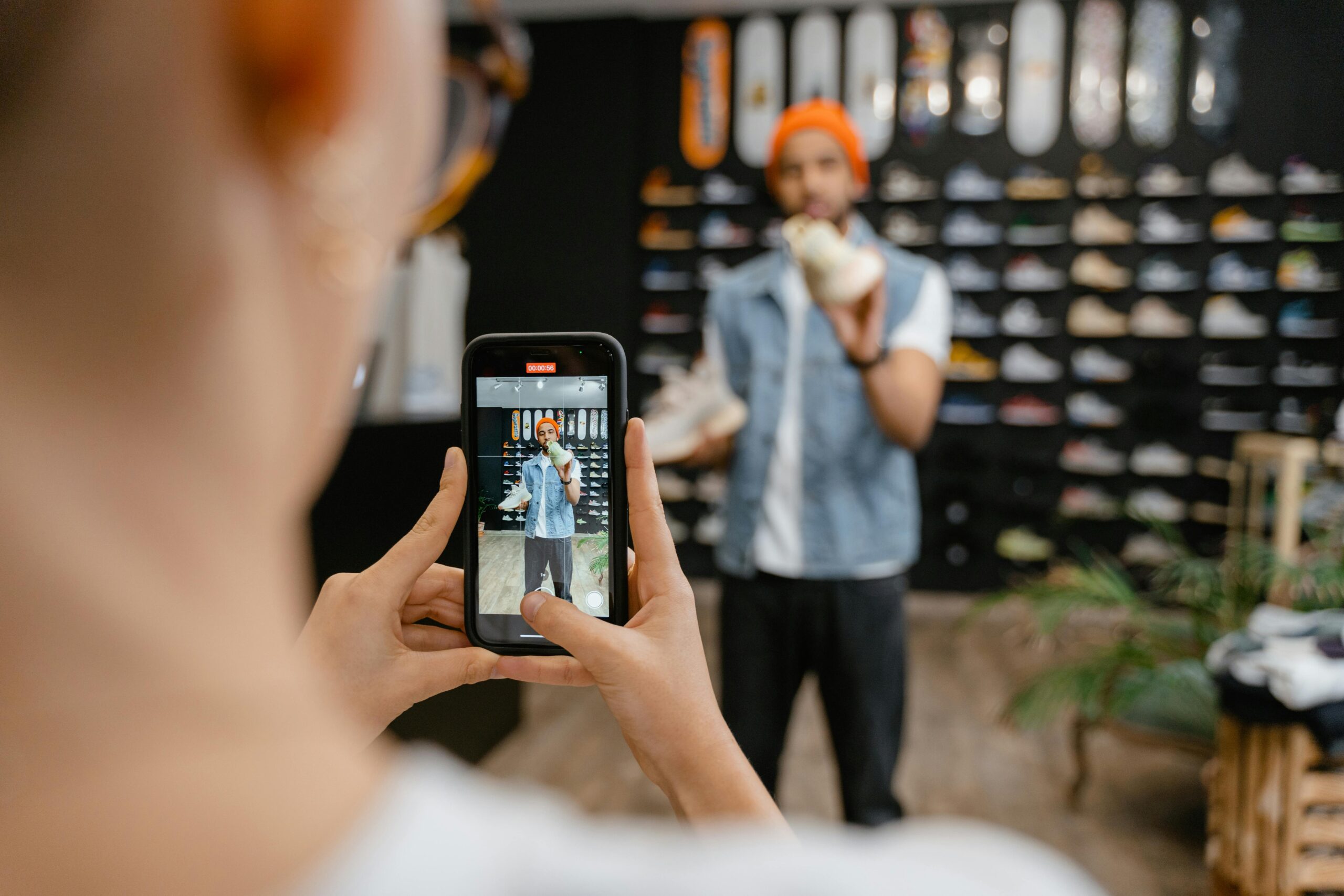
Smartphones today are powerful enough to create stunning, cinematic videos that rival professional cameras. With the right techniques, accessories, and creativity, you can turn your phone into a mini film studio. Whether you’re filming YouTube content, travel videos, or short films, your mobile camera can produce results that feel truly cinematic.
This detailed guide will help you master cinematic shooting using just your phone — along with a few smart accessories that can elevate your production quality.
1. Know Your Phone Camera
Begin by exploring your phone’s manual settings. Most modern devices let you control ISO, shutter speed, focus, and white balance. Apps like Filmic Pro or ProShot unlock full manual control, allowing you to fine-tune exposure and create consistent looks. For the best cinematic motion, shoot at 24fps — the standard for films — and record in 4K if your phone supports it.
2. Stabilize Your Shots with a Tripod
Handheld footage often looks shaky. A stable shot immediately feels professional and cinematic. A good tripod helps you achieve perfectly steady frames, smooth pans, and time-lapses.
📷 Recommended: Tripod
This universal tripod works for all smartphones. It’s lightweight, adjustable, and includes a remote shutter — perfect for steady cinematic scenes or solo creators.
Buy on Amazon3. Create Motion with a Gimbal
To add fluid camera movements like tracking or orbit shots, use a smartphone gimbal. It eliminates shakiness and adds buttery-smooth transitions.
🎥 Recommended: DJI Osmo Mobile SE Gimbal
This smart stabilizer keeps your phone level while you move, delivering professional cinematic motion. Ideal for travel, vlogs, and short films.
Buy on Amazon4. Master the Art of Lighting
Cinematic video thrives on good lighting. Use natural light whenever possible — early morning or late afternoon light creates warm, soft tones. Indoors, consider LED or ring lights to shape and enhance your subject’s visibility.
💡 Recommended: Neewer LED Ring Light Kit
Perfect for indoor shooting or content creators, this adjustable ring light helps you achieve balanced and flattering lighting for every scene.
Buy on Amazon5. Frame Like a Filmmaker
Composition gives emotion to your shot. Use the rule of thirds and place your subject off-center. Incorporate leading lines, reflections, or foreground elements to create visual depth. Avoid cluttered backgrounds — simplicity makes your video look clean and cinematic.
6. Control Focus and Exposure
Tap to lock focus and exposure before recording. Adjust exposure manually so your subject remains properly lit. Move closer to your subject to create natural background blur and emphasize depth — a signature cinematic element.
7. Shoot in Flat or Log Profile
If your camera app allows it, use a “flat” or “log” color profile. This helps preserve details in shadows and highlights for color grading later. Even if it looks dull at first, you’ll gain more control in post-production.
8. Experiment with Slow Motion and Time-lapse
Slow motion adds drama, while time-lapse shows the beauty of change — like sunsets or busy cityscapes. Just ensure stability during capture.
📱 Recommended: Joby GripTight GorillaPod
A flexible tripod that grips onto any surface — great for time-lapses or creative low-angle shots. Compact and travel-friendly.
Buy on Amazon9. Capture Clear Audio
High-quality visuals are useless without clean audio. External mics drastically improve sound clarity and reduce background noise.
🎙️ Recommended: BOYA M1 Lavalier Microphone
This affordable clip-on mic delivers crisp and professional sound, perfect for interviews and outdoor recordings.
Buy on Amazon10. Move Your Camera with Purpose
Cinematic shots are deliberate. Use slow pans, gentle tilts, and smooth tracking movements to immerse your viewer. Avoid quick, random shakes. Remember, less is often more in cinematography.
- Pan: Move horizontally to reveal a scene.
- Tilt: Move vertically to show height or scale.
- Tracking: Follow the subject’s movement.
- Dolly: Move in or out to add emotion.
11. Color Grade for a Cinematic Tone
Editing defines your film’s mood. Use editing apps like VN Editor, CapCut, or LumaFusion to color grade. Adjust shadows, highlights, and contrast. The popular “orange & teal” tone adds warmth and cinematic polish, but keep it subtle.
12. Add Layers and Depth
Incorporate objects in your foreground to create 3D depth. For example, shoot through leaves, doors, or windows. This adds storytelling elements and realism.
13. Plan Your Scenes
Great cinematography is storytelling. Think through your sequence: wide shots for context, medium for action, close-ups for emotion. Even a short vlog feels cinematic with planned progression.
14. Accessorize Smartly
Accessories can enhance creativity and flexibility in shooting. A clip-on lens kit lets you switch between wide-angle or macro shots instantly. ND filters are useful outdoors for controlling exposure and achieving smooth motion blur.
🔍 Recommended: Xenvo Pro Lens Kit
This lens kit adds wide and macro capabilities to your phone. Perfect for cinematic landscapes and detailed close-ups.
Buy on Amazon15. Edit with a Purpose
Trim your clips, add subtle background music, and use transitions that enhance — not distract — your story. Aim for smooth, emotional flow. Avoid overused filters or fast cuts unless the scene demands energy.
16. Tell a Story
Cinematic videos are more than visuals — they’re emotional journeys. Even if it’s a simple travel vlog, show transformation: before and after, excitement and calm, start and finish. Let your shots breathe; emotions build in silence too.
17. Upgrade Gradually
Start small and learn the basics before investing in advanced tools. Once comfortable, upgrade your gimbal, tripod, or lighting to further refine your craft.
🎬 Starter Kit: Mobile Filmmaking Combo
Includes tripod, LED light, external mic, and mount — everything you need to start shooting cinematic videos right away.
Buy on Amazon18. Keep Practicing and Experimenting
The more you shoot, the better you get. Try different genres — documentaries, travel reels, or cinematic shorts. Watch films and analyze lighting, angles, and editing. Consistency transforms your smartphone videos into cinematic art.
With today’s technology, your phone isn’t just a device — it’s a portable movie studio. The tools are in your hands; the only limit is creativity. Begin filming your story today and let every frame speak emotion, light, and life.
Frequently Asked Questions (FAQ)
1. Can I shoot cinematic videos without a gimbal?
Yes. You can still achieve stable shots by using a tripod or holding your phone with both hands and moving slowly. Software stabilization in apps like Filmic Pro or CapCut can also help smooth footage.
2. Which app is best for cinematic color grading?
VN Editor and CapCut are beginner-friendly. For advanced users, LumaFusion and DaVinci Resolve provide professional color control and cinematic LUTs.
3. How do I get blurred background effects on my phone?
Use portrait video mode or move closer to your subject while keeping the background distant. You can also use clip-on lens kits or editing apps that simulate depth of field.
4. Is 4K necessary for cinematic videos?
No, but it’s recommended. Shooting in 4K gives sharper results and flexibility in editing. However, 1080p works well if lighting, framing, and storytelling are strong.
5. What frame rate should I use for cinematic feel?
24 frames per second (fps) is the traditional cinematic standard. It provides natural motion blur and a film-like experience.